
How Crash Bandicoot Annihilated the Playstation's Limitations and also murdered my entire family
(PART 1)
Audio of the day:
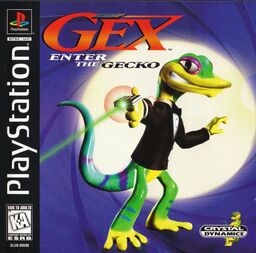
I never played Crash Bandicoot as a kid, nor did I as a preteen or during any of my formative years... Even then I always vaguely knew he existed, in the same way one vaguely understands the wrath of a God before realizing he can turn all your water into blood, and all your blood into frogs. You know other classics like Spyro, Bubsy 3D and GEX??? I had kind of mentally grouped him in with those guys...
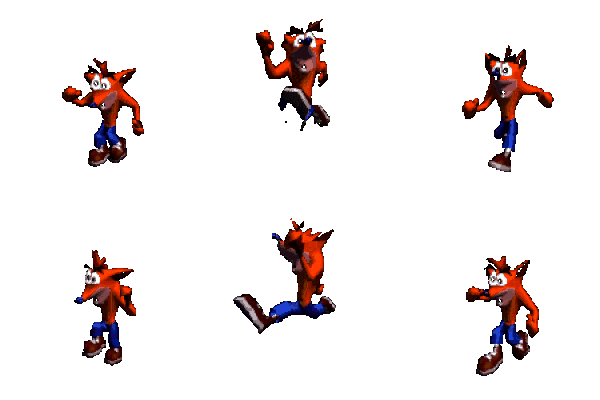
However last year I became borderline obsessed with the technical feats this orange wombat managed to pull off. It all started when I stumbled across a few articles written by the game's lead programmer... *moonstruck sigh* Andy Gavin.

Just look at this beautiful hunk of man, he clearly knows what he's doing. The variety and sheer complexity of the problems he and his team faced, and ultimately overcame whilst making Crash Bandicoot for the Playstation is honestly awe-inspiring. From compressing game assets hundreds of megabytes large to one-tenth of their size, to illegal console modifications for increased rendering performance right under Sony's nose, to creating his own goddamn programming language... dude's badass; feel free to screenshot.
I'll be talking a lot more about him in the following parts, but first we must agonize over 3D.
Chapter 1 - There's Three of Them Now
3D was FINAL BOSS for game developers in the 90s. Up on the d-pad was now... FORWARD!!! With no point of reference for a 3D character-controller, or which controls would work best in what situations, this era was wrought with the boldest experimentation...
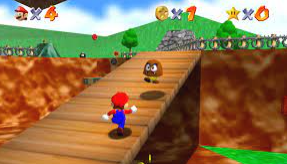 Most games dealt with the third dimension by having the controls be relative to the “camera”. Ex. With your camera pointed east, holding up on the stick made your character run east, directly away from the camera. This was Mario 64's approach for exploring big open 3D worlds, and ultimately the most popular control scheme for modern 3D platformers.
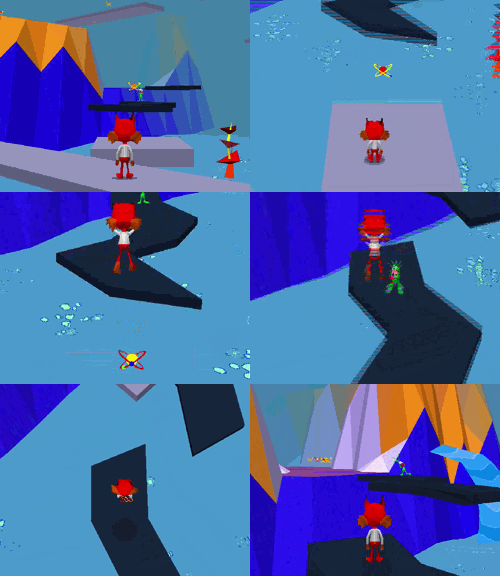
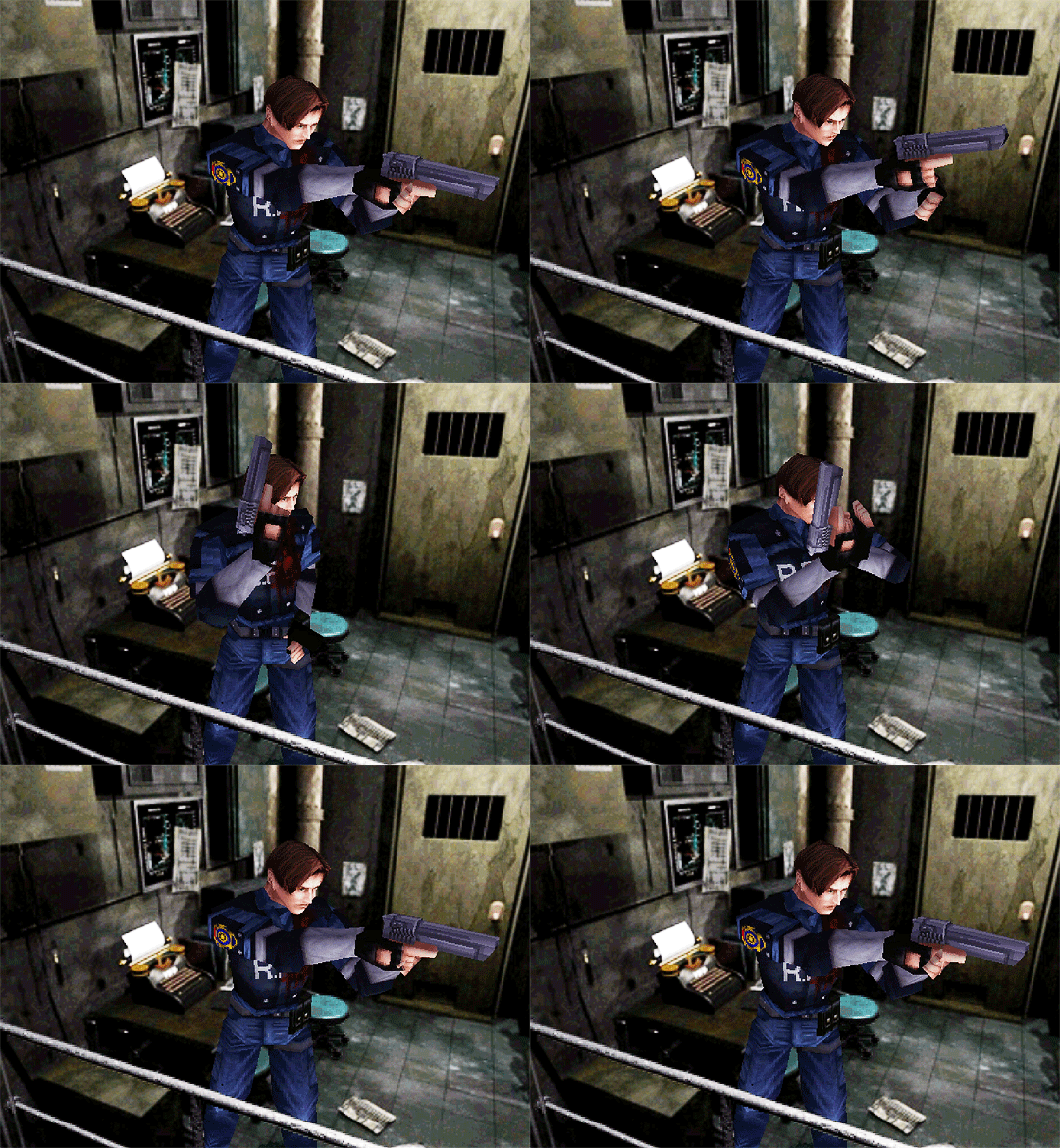
Left: Bubsy 3D, Right: Resident Evil 2. These are in fact different games.
Bubsy 3D also tried this but using tank controls instead. Holding left made that cool bobcat slowly turn, but up and down still worked as forward and back respectively. This initially sounds like it could kind of work? But it ends up feeling like you're trying to force an MMORPG to play like a platformer. Resident Evil 1/2/3 utilize tank controls but with fixed camera angles, meaning camera orientation had no worldly effect on your direction. And some games just didn't work at all, completely broke and were really awesome.
Crash Bandicoot has the character-controller of Mario 64. Each direction on the d-pad makes Crash run that way. Unlike Mario 64 however, was an on-rail camera. You can never control or rotate the camera directly, and the camera follows very specific pre-calculated paths throughout the level. This allowed Crash's developers to design the levels around what the camera could see; a luxury that Mario 64's free cam did not afford Nintendo. With a guaranteed viewing angle and less empty open space, Crash avoided many of the problems that players had with Mario's camera, such as enemies coming out of nowhere to pummel you, and unruly visibility of the level.
how do you make a 3d level
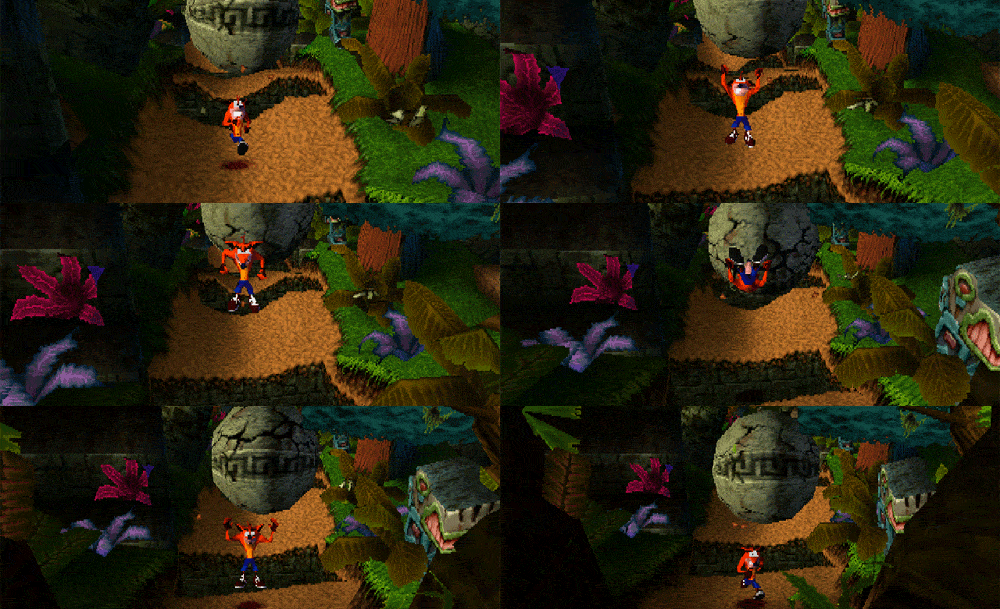
Andy and his creative partner Jason Rubin had decided early on that they wanted a Loony Tunes cartoon vibe for their newest game. However, if the player character was always running away from the camera… you would never get to see their face. That's where all the expressions are! This immediately turned into a major discussion of level design.
What if they could create levels where Crash would be running towards the camera? This idea ended up in the final game as the Boulder levels. To achieve this, the camera had to be pulled back far enough so players could see obstacles well before interacting with them.
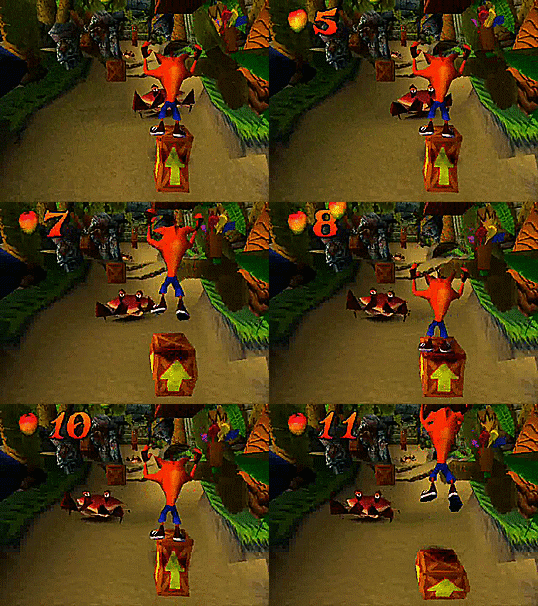
How do you direct a player through a 3D space? The Crash team used long narrow pathways. The walls on either side made it hard for Crash to run around enemies, forcing him to either time a jump over them, or to strike with a spin attack. You're forced to engage with stage hazards in a very specific linear way. And if we don't want a level to be explorable without a time limit? Then add one, whether it be the boulder pushing you through the level, or uncontrollably pushing the level past you like in the Hog levels. An empty level with spaced out objects makes for better layouts that you're being automatically moved through.
Classic sidescroller levels? They exist in Crash, but you'll often run into bonus areas and stage hazards that make use of the third axis (blocks pushing you towards the screen off a platform, little nooks in the wall that you can walk into). These levels tend to play most with verticality, having crash climb monstrous structures where falling down won't kill you, but you'll have to climb it all over again...
But are we making enough usage of full 4-directional movement? The temple levels play almost like a 2D Zelda game with platforming and better depth perception. Verticality was swapped for what mostly feels like one single flat plane that occasionally changes in height. The less restricted movement leads to a bigger sense of freedom, but the tiny platforms and endless pits keep that feeling in check.